
BLE Lab for Android
Set up a continuous Android test beacon, capture BLE advertisements and replay supported recordings. Includes the public APK, screenshots and tutorials.
Android preview · 0.4.0-rc.2 · 15 November 2026
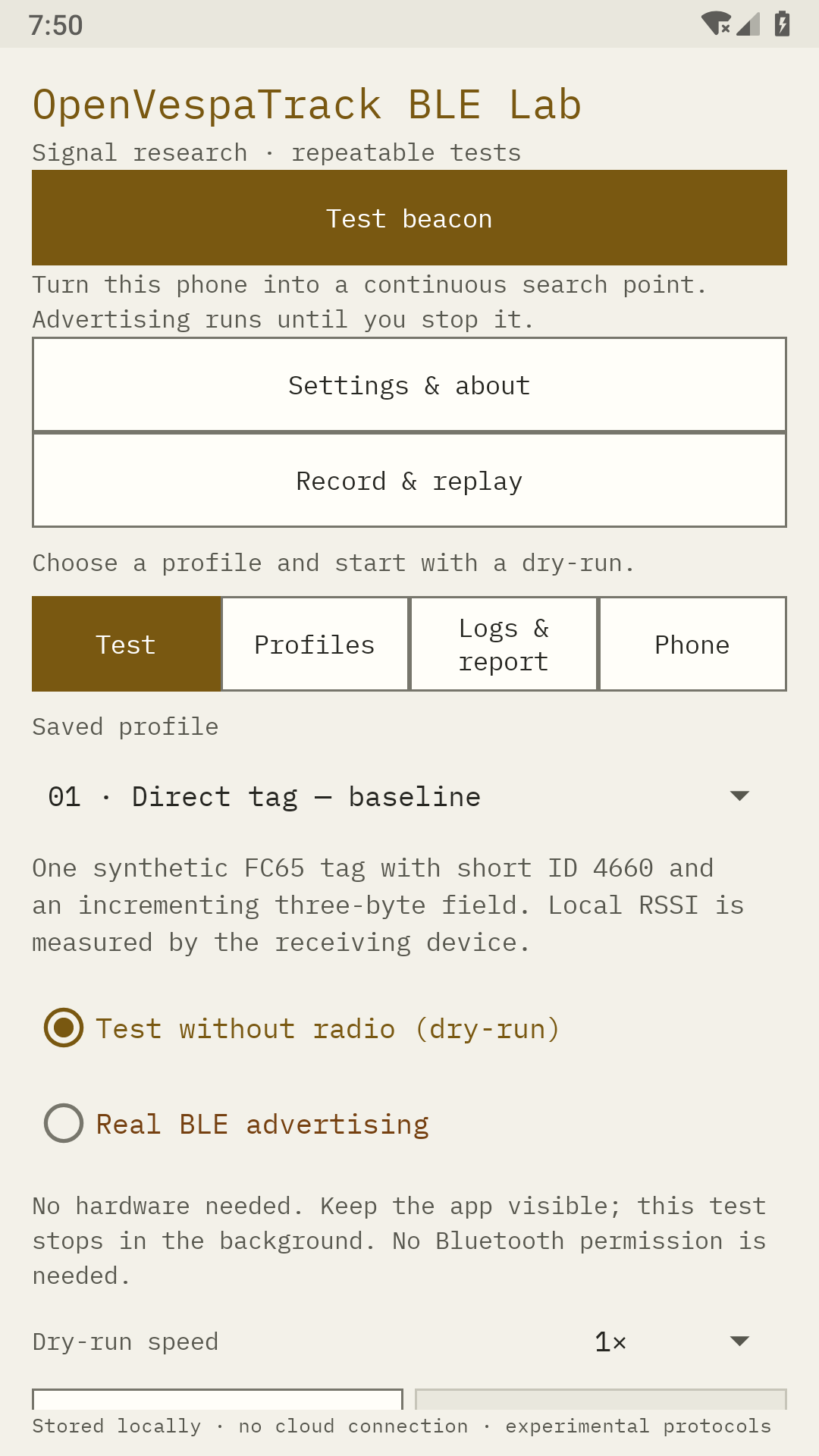
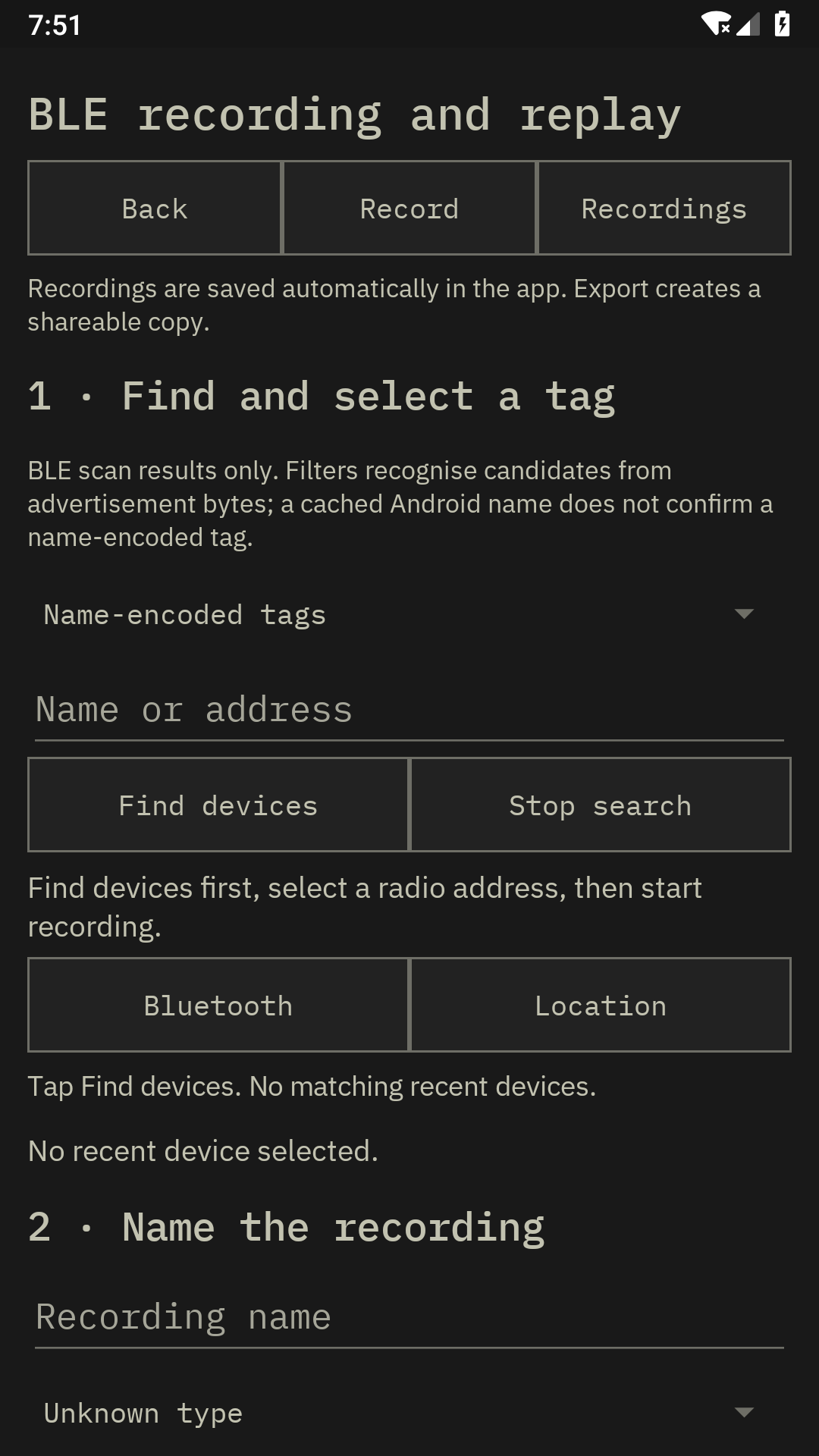
Use your phone as a fixed Bluetooth Low Energy test point while you practise finding it with a second receiver. BLE Lab also records advertisements, reviews saved sessions offline and transmits supported replay profiles on request. The app is part of OpenVespaTrack and complements the desktop BLE Tagfinder.
Download and install
Requires Android 8.0 or later. Live beacon transmission requires Bluetooth LE advertising support on the phone. Open the downloaded APK and grant installation permission to the browser or file manager if Android asks. In Settings & about, choose light, dark or system appearance and English, Dutch or French.
The preview uses a development signing certificate. Export important recordings and profiles before reinstalling or switching from a build with a different signature.
Release notes and source archive · SHA-256 checksums · Installation and troubleshooting
Try the test beacon
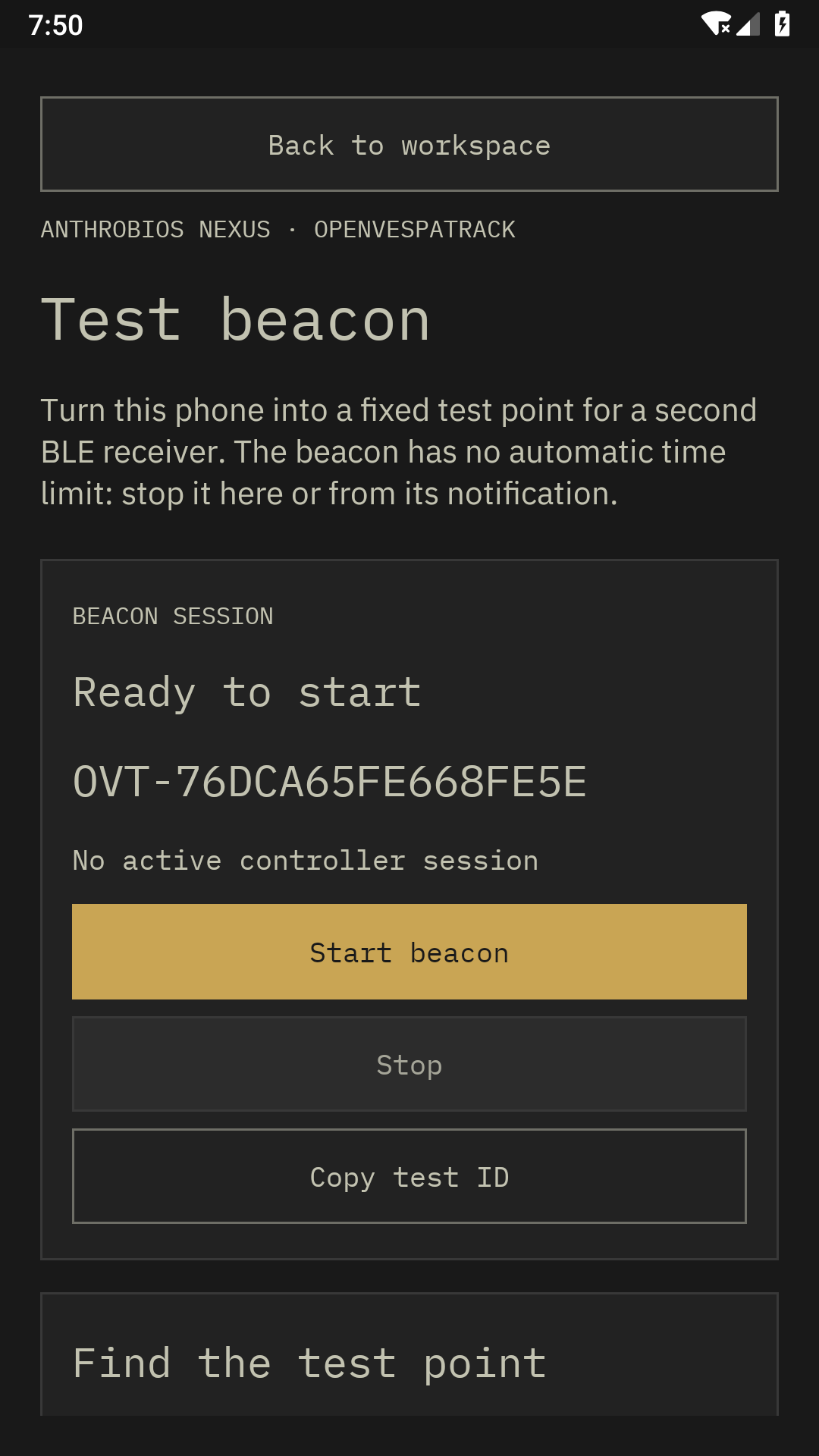
- On the transmitting phone, enable Bluetooth, open Test beacon and note the synthetic
OVT-ID. Tap Start beacon and grant the requested permissions. - On a second phone running BLE Lab 0.4.0-rc.2, open Record & replay, choose All BLE advertisements, clear the search field and tap Find devices. In another BLE scanner, show all advertisements, including unnamed devices, and inspect Service Data for
6f8a5b00-7d3e-4c6a-9b21-0a5c2d7e9101. TheOVT-ID is encoded in the data. The phone's Bluetooth pairing list does not show this nonconnectable beacon. - Confirm reception nearby, then place the phone at a known point and try finding it from farther away.
- Tap Stop in the app or the notification. Check that the receiver stops seeing fresh observations.
The test beacon has no automatic time limit. Android or battery management can interrupt it, so confirm continued reception on the second device when the screen is off.
Tutorials: English · Nederlands · Français
Screenshots
Select a screenshot to enlarge it. These are captures of the Android app with no scan or transmission in progress.
Release status
All 42 automated device tests passed on each of the Android 8 and Android 15 emulators. The released APK was also installed and opened on an emulator. Reception and long sessions with the screen off still need testing on physical phones. Validation record · Report an issue
The app is developed by Benjamin van der Zalm as part of AnthroBios Nexus. Its source code is available under the MIT License. Browse the GitHub repository · All five screenshots